

In order for you to delete your account, you need to cancel your subscription first.
Here are 3 simple steps to Delete your One2fan account:
• Cancel subscription
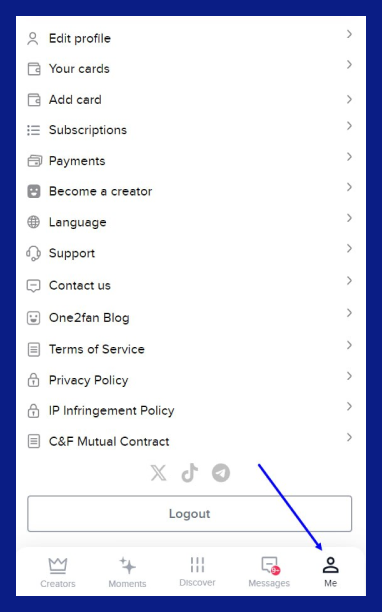
Please note that you will need to cancel all subscriptions in the "Me" section before you can delete your account.
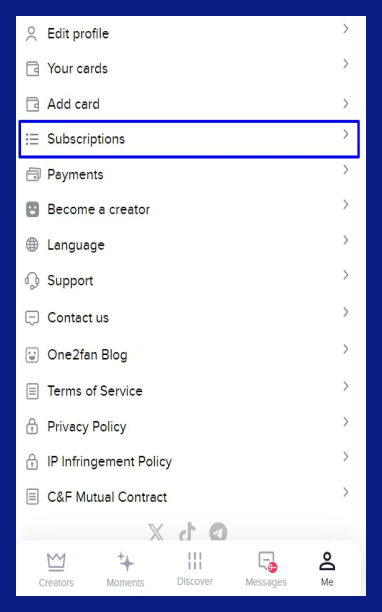
You need to click on "Subscriptions" and Unfollow.
• Deleting a card
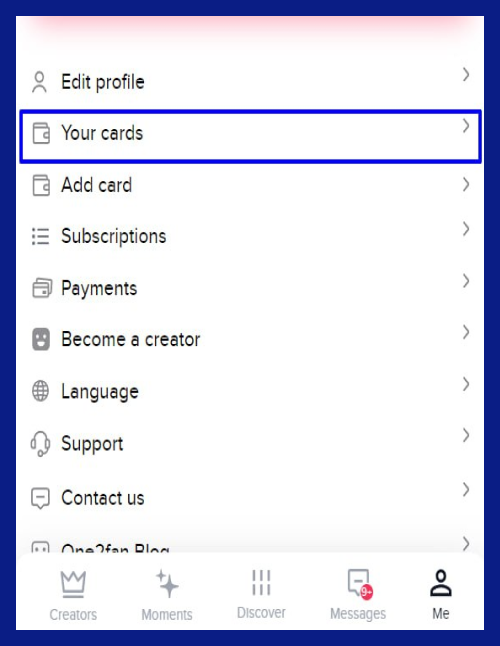
Next, you need to delete all card information so that no charges are made.
You can do this under "Your cards".
• Delete account
Then, you can to "Delete Account".
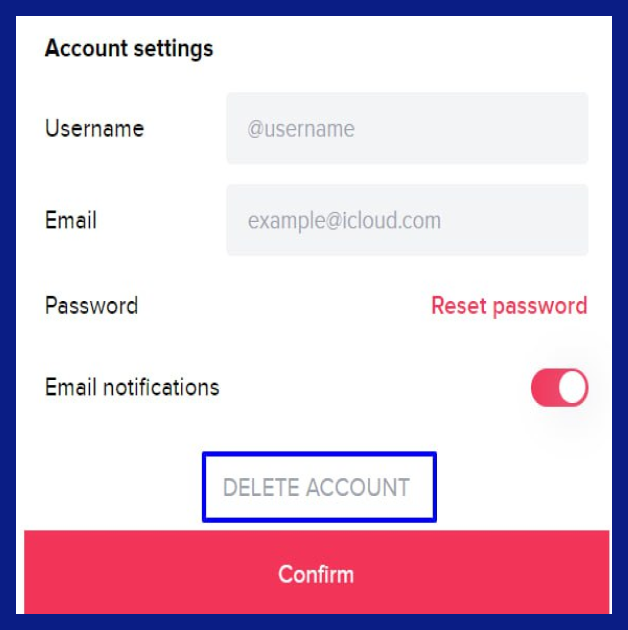
Done. Your account has been deleted and you will not have any charges for the subscription.